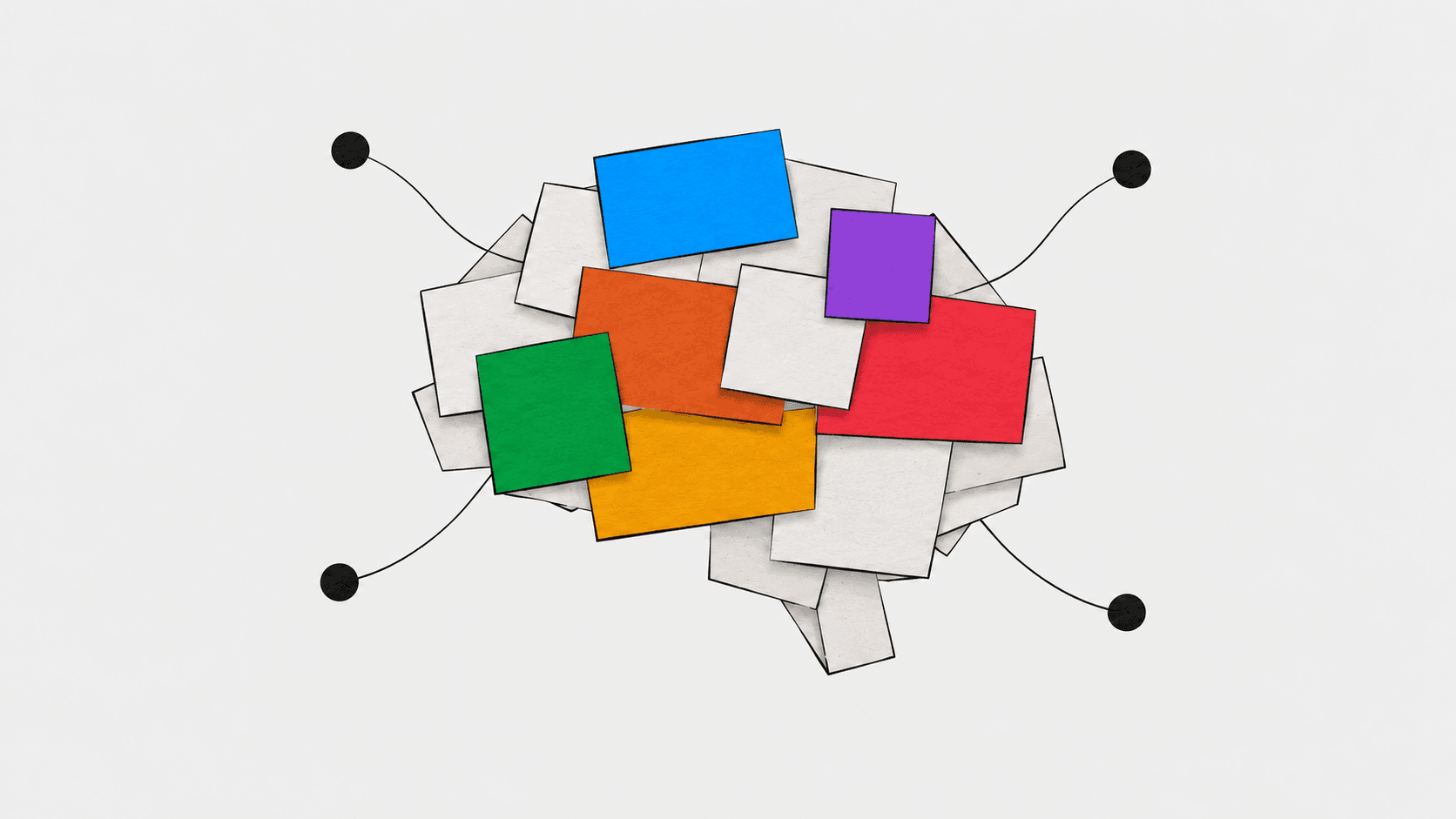
Lots of teams are using AI. I'm less convinced they've worked out how to use it together.
The subscriptions are there. Someone prefers Claude, someone uses ChatGPT, and someone has discovered Gemini in an existing subscription. In a firm built around Microsoft 365, the conversation might start with Copilot. People are finding useful ways to get their work done.
But much of that knowledge stays with the individual. Their prompts, their background documents, their carefully explained version of how the business works.
Imagine three people asking AI to write a campaign brief. One supplies last year's positioning, another uploads the new customer research, and the third explains the company from memory. All three might produce something plausible, but each has given the AI a different picture of the business.
I think every business using AI should start building a shared brain: a maintained record of what it knows, how it works and what it has learnt.
What goes into a company brain?
I'd start with three things:
- Context: positioning, customers, product facts, research, commercial priorities and definitions. What does this company actually mean by a qualified lead?
- Playbooks and skills: how to do recurring work, including inputs, steps, examples and checks. A playbook explains the process; a skill packages instructions an AI tool can reuse for a particular task.
- History: decisions, their reasoning, results and lessons. Why did we stop promoting that offer? What happened when we tried this audience before?
Keep these in a shared home the team can maintain: Google Drive, SharePoint, an internal wiki or a repository of text files with a record of changes.
Give important documents an owner, sources and a review date. Separate current guidance from experiments and retired material. Keep access appropriate to the information involved.
Then connect the relevant material to the tools people use. One maintained source, with several ways to work with it. Uploading a document creates a copy unless the tool explicitly keeps it connected, so somebody needs to own those updates too.
Why I'm interested in Google's OKF
I touched on this in my article about AEO, but it deserves attention beyond search.
Google Cloud's Open Knowledge Format gives this knowledge a portable structure: Markdown files, which are readable text with simple formatting, plus a small block of structured information about each document. Documents can link to related concepts and their sources.
The current specification also covers provenance, trust, freshness and lifecycle: where information came from, how it was checked and whether it is still current.
I like the idea that the company's knowledge can survive a change of AI provider. You can maintain the files, inspect the changes and give different tools access to the same material.
OKF supplies a format. You still need a way for the assistant to retrieve the right files, and people to check them. It doesn't automatically connect your apps, verify your claims or train a model. You can start with ordinary shared documents and adopt the format when it helps.
Gemini: shared Drive documents and a shared Gem
For a team already using Google Workspace, I'd start with a maintained Drive folder and a Gem for one recurring job, such as preparing campaign briefs.
Gems let you save instructions and add reference files, including Drive files. Add the positioning, approved claims, customer research and brief template. Put the method in the Gem's instructions: consult those sources, flag missing evidence and produce a brief for human review.
Then share the Gem with the team. Give most people viewer access so they can use it, and a smaller group responsibility for editing it. People with access can see its instructions and uploaded files; check those before sharing.
Save approved briefs and short decision notes back into the shared library. Treat that as an explicit step in the process. A useful conversation hasn't become company knowledge until someone captures it where colleagues can use it.
There is a transition to watch: Google says Gems will move to skills, starting with personal accounts in November 2026 and Workspace business accounts in March 2027. Keep your original instructions and documents outside the Gem so the method is easy to carry forward.
Claude: shared Projects for context, Skills for the method
On Claude Team or Enterprise, Projects can be shared with colleagues, subject to admin settings. A project brings together reference material and instructions for a particular area of work.
For our campaign example, I'd create a marketing project with the current context, previous briefs and decision log. Project instructions should explain which sources take priority and what to do when they disagree.
Package the briefing method as a Skill, with a SKILL.md instruction file and supporting examples. An organisation owner can provision approved Skills across the team, so everyone can use the same maintained procedure. Skills and code execution need to be enabled.
One detail matters: Claude's project documentation says information from a chat must be added to project knowledge to become context across its chats. Don't assume a useful correction made by one colleague has taught everyone else's Claude the same lesson.
When a brief exposes an outdated claim, update the source document and refresh the project knowledge. When the process misses a necessary check, update the Skill. Those are different problems, and keeping them separate makes maintenance easier.
ChatGPT: Projects for ongoing work, shared skills and plugins
ChatGPT Projects keep related chats, files, instructions and connected sources together. I'd use one for an ongoing campaign, with the relevant context and a clear instruction to consult the current decision log.
For the repeatable briefing process, create a skill. Explain the inputs, steps, required checks and output, and supply a good example. Keep the editable source in the team's library.
Where your workspace enables it, package and share the workflow as a plugin. A plugin can contain skills and connections to services such as Google Drive, giving colleagues a common method and access to the maintained source documents.
Sharing requires the appropriate workspace permissions. Recipients also need to install the plugin, unless an admin has done that, and have access to any connected files. Test it from a colleague's account before declaring the setup finished.
The shared library remains the record the team reviews. After each campaign, save the approved brief, outcome and lessons there, then make them available to future work. Personal chat history is a poor place to leave the explanation for an important business decision.
Microsoft 365 Copilot: SharePoint and shared Notebooks
For professional firms whose day revolves around Word, PowerPoint and Excel, I'd start with the documents they already use.
Keep approved templates, service descriptions and playbooks in a maintained SharePoint library. For a pitch or client engagement, create a shared Copilot Notebook with relevant Word proposals, PowerPoint case studies and Excel budgets as references. Check that your licences and admin settings support the sources you need.
Put the proposal-writing method into the notebook's custom instructions: follow the template, cite supporting evidence and flag missing information. Keep the master playbook in SharePoint and update the instructions when it changes.
Check sharing permissions carefully: sharing a notebook can grant access to its referenced files. Keep confidential client material separate from guidance intended for the whole firm.
Notebook chats remain private to each person. Save approved decisions, feedback and lessons back into the shared library, so the next proposal benefits from what the team learnt.
Give the brain a way to learn
The useful part happens after the first setup.
Suppose a campaign attracts plenty of enquiries but very few suitable customers. The next brief needs more than “last campaign performed badly”. Record who it targeted, the offer, how you measured quality, what happened and what you decided to change. Link the evidence and name the person who reviewed the conclusion.
Then update the playbook. Perhaps every brief should now include exclusions for unsuitable customers and a sales review of the qualification criteria. Keep the reason for that change alongside it, so someone can revisit it when circumstances change.
AI can propose these updates. Have the owner approve them before they become instructions for everyone else.
Start with one recurring job. Try the method on a few familiar examples, including one with missing information. Check whether colleagues get useful results and whether the total effort falls once review and corrections are included. Set a short, regular review to remove stale material and incorporate lessons.
Otherwise you have built another folder that everyone agrees is very important and nobody opens.
This connects to my five-step AI in Marketing Readiness Framework: choose the problem, establish the baseline, prepare the inputs, run a bounded test and change the organisation around what works.
A shared brain helps with the inputs and gives the organisation somewhere to keep what it learns. The aim is for the next person doing the work to benefit from the last person's experience. That seems a much better return on all those subscriptions.